All features

Bank Connector

Connect your account.
Keep your control.

A program on your computer connects supported accounts to Ratio. New transactions reach the inbox, where you can check them before importing.

Free plan · €0 · No card required

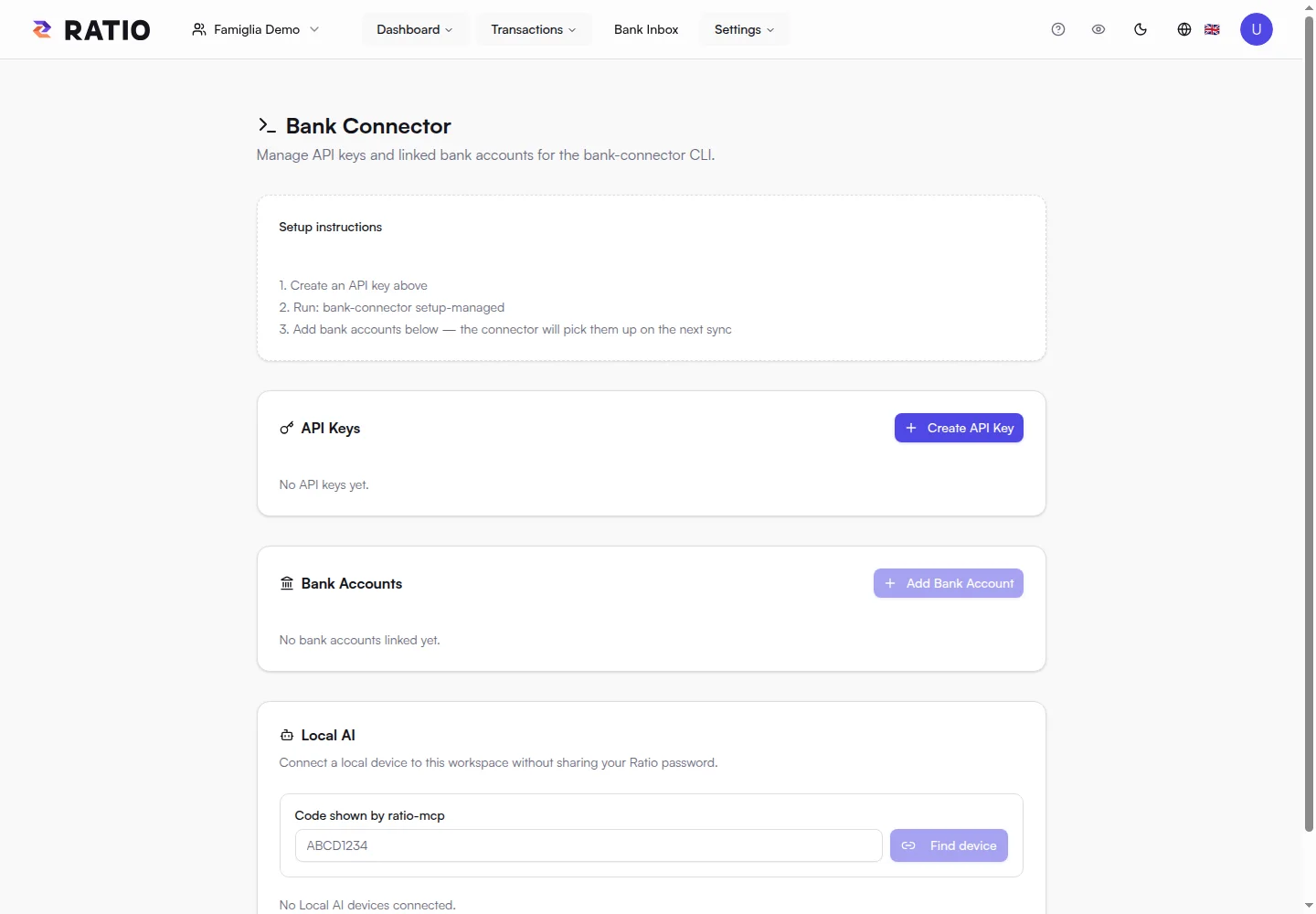
Bank Connector configuration in the demo: accounts and connections.

Bank Connector configuration in the demo: accounts and connections.

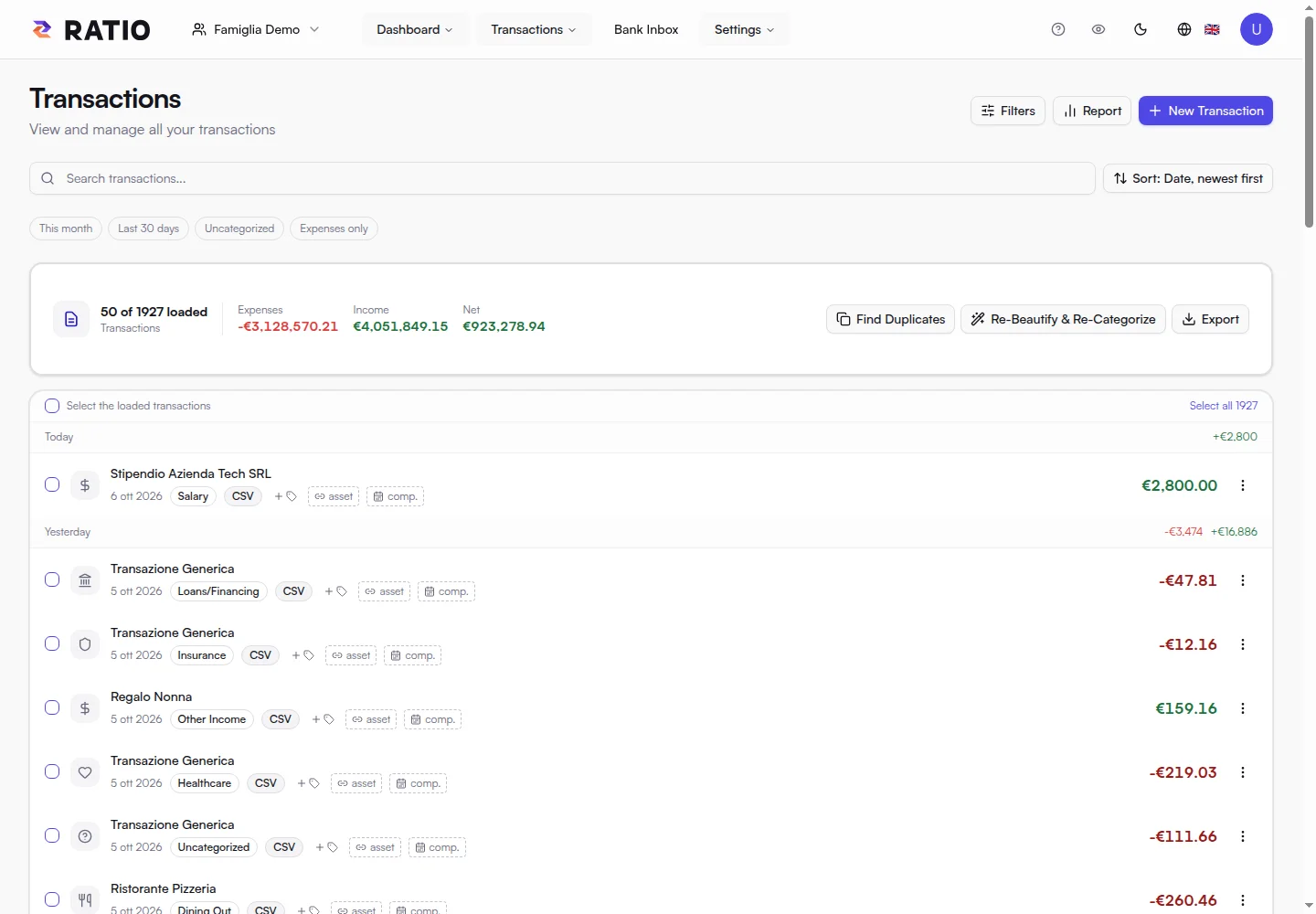
Real screens from the public demo. These views illustrate the product; Free availability and quotas are summarised at the bottom of this page.

In practice

A local bridge between your account and Ratio.

If you repeatedly import the same accounts, the connector helps collect transactions without uploading a new file every time.

01

The connector lives on your computer.

Bank Connector is a local daemon. Configure it with a Ratio API key and authorise supported accounts through the banking provider.

Availability depends on the bank and provider. The daemon needs to be running and connected to poll; choose a machine you use regularly.

02

The inbox lets you review.

Collected transactions are sent to Ratio’s inbox. Open your browser, review the data and complete the import into your workspace.

Review separates collection from working with the data. You can check entries before they become part of spending views and statistics.

03

Start with the accounts that matter.

Free supports up to two connected bank accounts and one connector API key. Start with the accounts most useful to your daily picture.

Manage credentials and connections in the dedicated configuration. Protect your API key as personal access to your account.

Your next step

Connect. Collect. Review.

  1. 01

    Configure the local daemon and API key.

  2. 02

    Authorise an account supported by the provider.

  3. 03

    Review transactions in Ratio’s inbox.

Ratio Free

Start with what matters.

Import your statements or link up to two accounts through your local Bank Connector, then see where your money goes.

Start for free
  • 1 personal or family workspace
  • Local import of compatible text PDFs, CSV and XLSX files, up to 5 MB per file
  • Classification rules, transaction search and editing
  • Dashboard and charts for income, expenses and categories
  • Financial data encrypted on your device before storage
  • Bank Connector for up to 2 accounts linked from your local daemon
  • One Local AI device for private analysis
  • Encrypted history retained with no time limit (search and statistics cover the latest 18 months)

Your encrypted history stays stored without a time limit, while Free search and statistics focus on the latest 18 months.